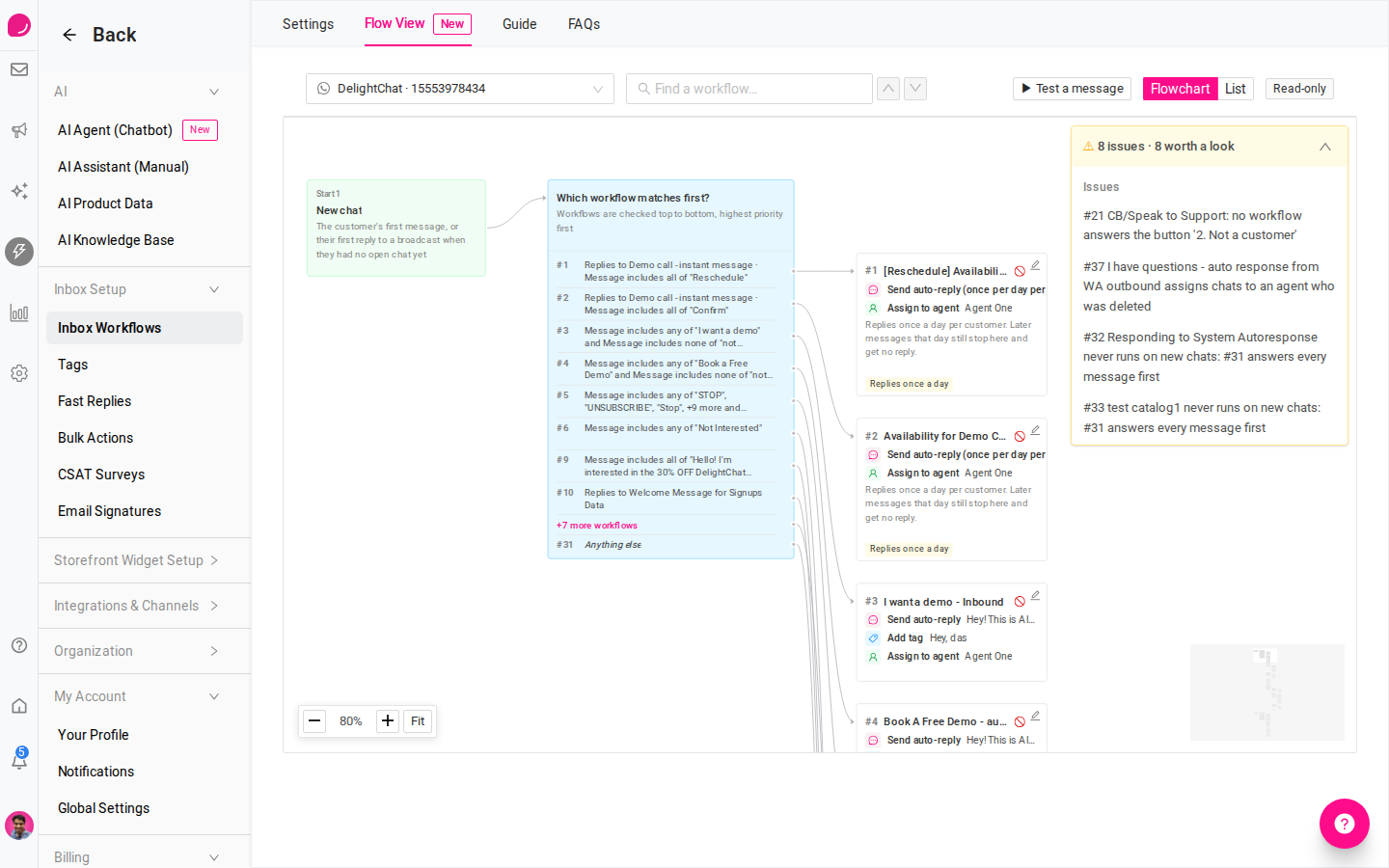
The new Flow View in Inbox Workflows shows how your workflows run for each channel, with a zoomable flowchart and a list view. Follow conditions, actions and WhatsApp button branches, then open a workflow to review its details. A problems panel highlights dead-end buttons and deleted agents so you can spot issues before they affect customers.
If you use several workflows on the same channel, it can be hard to see how they fit together from individual settings screens. Flow View brings the paths into one place. For example, you can follow a WhatsApp menu button to the workflow that handles the customer's next reply, then review the conditions and actions along that path.
Flow View is read-only. Reviewing it does not change your workflows; use the workflow settings to make edits after you identify what needs attention.
Related setup for WhatsApp button workflows: Create a WhatsApp Chatbot.