Learn how to animate product photos for TikTok and Instagram ads with AI. Follow a step-by-step guide to creating short product animations with AI Image Animator.
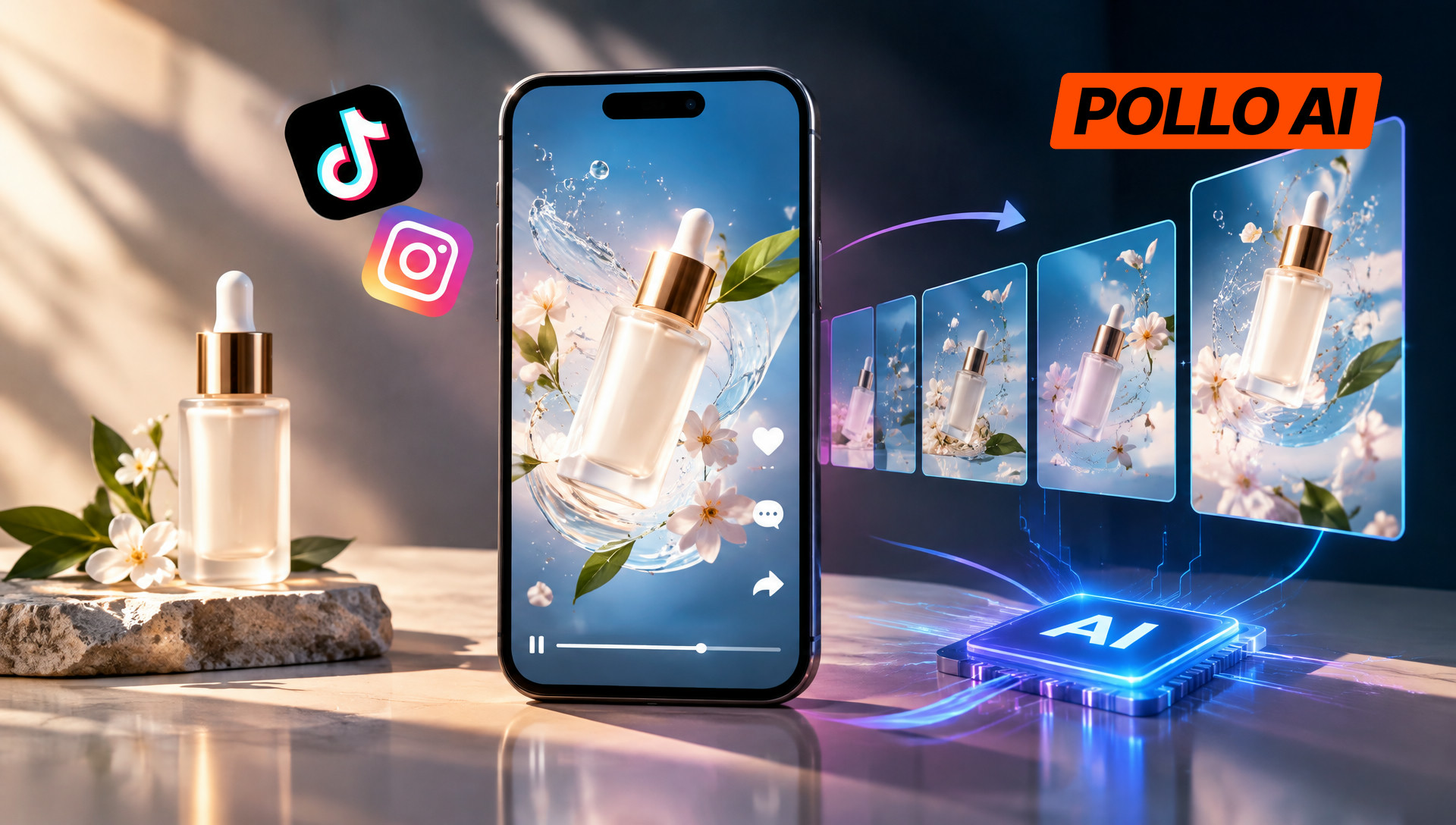
Creating fresh video ads for TikTok and Instagram takes time when a brand only has product photos. AI offers another option: brands can animate a photo instead of arranging a new shoot. This guide explains how to animate product photos with Pollo AI Image Animator, covering image uploads, motion prompts, animation settings, and ways to improve the results.
What Is Pollo AI Image Animator?
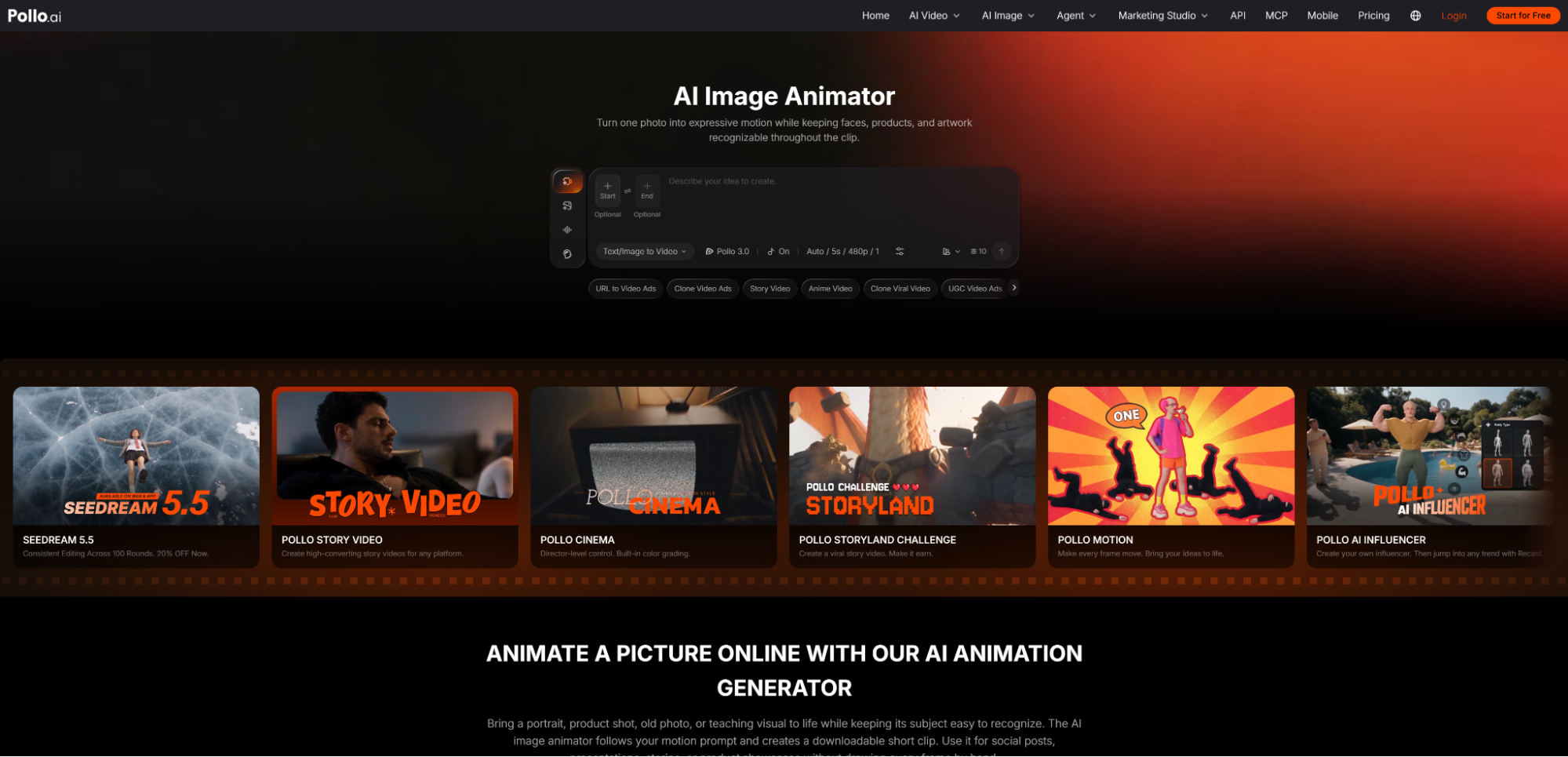
Pollo AI Image Animator is an AI-powered tool that turns static photos, drawings, and other images into short animated videos. Users upload an image, enter a text prompt describing the desired movement, and customize settings such as animation length, visual style, and aspect ratio.
For e-commerce sellers, the tool offers a practical way to get more mileage out of existing product photography. A skincare brand can turn a serum bottle photo into a moving product showcase, while a jewelry store can animate a lifestyle image to give a necklace more visual presence. For brands creating UGC video ads, these animated clips can serve as product-focused inserts between creator footage, product demonstrations, and voiceovers.
Unlike traditional animation, the process doesn't require manually creating frames or animating objects one by one. Users simply provide the source image and describe the effect they want, making it easier to experiment with different ways of presenting the same product.
How to Animate Product Photos for TikTok and Instagram Ads with Pollo AI
Step 1: Upload the Product Photo You Want to Animate
First, open Pollo AI Image Animator and upload the product photo. The image will serve as the visual reference for the animation, so the selected picture should match the idea behind the ad.
For example, a cosmetics seller might upload a close-up of a serum bottle to create a focused product showcase. A fashion brand could use a lifestyle photo featuring a handbag, while a jewelry retailer might choose an image that highlights a necklace or pair of earrings.
Once the image has been uploaded, move to the prompt field to describe how it should come to life.
Step 2: Enter a Prompt to Guide the Animation
Type a text prompt explaining the movement or visual effect desired in the final clip. This is where sellers can turn a basic product photo into something more suited to their advertising concept.
For a skincare advertisement, the intended result might involve a gradual camera movement toward the bottle. A fashion product could benefit from a gentle change in camera perspective, while a lifestyle image might work better with subtle environmental movement.
The prompt should communicate the intended animation rather than describe an entirely new image. Once the text is entered, proceed to the generation settings.
Step 3: Customize the Video Settings
Before generating the animation, adjust the available settings to match the intended social media placement. Pollo AI Image Animator provides options for controlling the animation duration, visual style, and aspect ratio.
For TikTok and Instagram Reels ads, a vertical 9:16 format is generally a suitable choice for full-screen viewing. The animation length should also fit the idea: a simple product reveal usually doesn't need an unnecessarily long clip.
The visual style is another consideration. A beauty product might call for a softer, more polished presentation, while a sports accessory could benefit from a more energetic look. Once the settings are selected, start generating the animation.
Step 4: Preview and Download the Animated Product Video
After generation, preview the result to see how the original photo has been animated. Check whether the movement matches the intended concept and whether the product remains recognizable throughout the clip.
If the animation doesn't quite fit the ad, return to the prompt or settings and adjust them before generating another version. For example, a product rotation that feels too fast could be replaced with a slower movement for a more controlled presentation.
Once satisfied with the result, save or download the animation. The finished clip can then serve as the visual foundation for a TikTok or Instagram ad.
Tips for Creating Better Animated Product Ads
1. Choose a clear source image.
Sharp details, good lighting, and a relatively uncluttered background give the AI a better starting point. Leave enough space around the product to accommodate movement without making the composition feel cramped.
2. Be specific without overloading the prompt.
A useful prompt can describe the product, one main movement, camera direction, and lighting. For example: "A slow camera push-in toward the perfume bottle, with soft studio lighting and subtle reflections across the glass. Preserve the original bottle shape, label, and colors." One clear action is often easier to control than several competing movements.
3. Pay attention to product accuracy.
AI animation may occasionally alter small details. Check logos, labels, packaging, colors, and proportions before using the clip in an advertisement, especially when customers need to see the actual product clearly.
4. Keep important elements within the safe area.
TikTok and Instagram display interface elements around their videos. Keep the product and any essential visual details away from the edges so they remain visible on mobile screens.
5. Experiment with different creative approaches.
Try animating the same product photo with different movements or visual styles. A slow camera push-in and a gentle pan can create noticeably different presentations, giving sellers more options to test in their campaigns.
Conclusion
AI image animation gives e-commerce brands another way to turn existing product photography into short-form advertising content. With Pollo AI Image Animator, sellers can upload a picture, describe the desired movement, adjust the animation settings, and generate a video without creating an animation from scratch.
The key is to choose an image that showcases the product well and use movement that supports the ad rather than distracting from it.