


How to Fix “Ineligible” Status in Business Verification (Workaround Guide)
This section is intended for brands whose Facebook Business Manager (FBBM) account is currently marked as ineligible.
For the newly created account, Facebook does not allow verification unless it is mandatory.
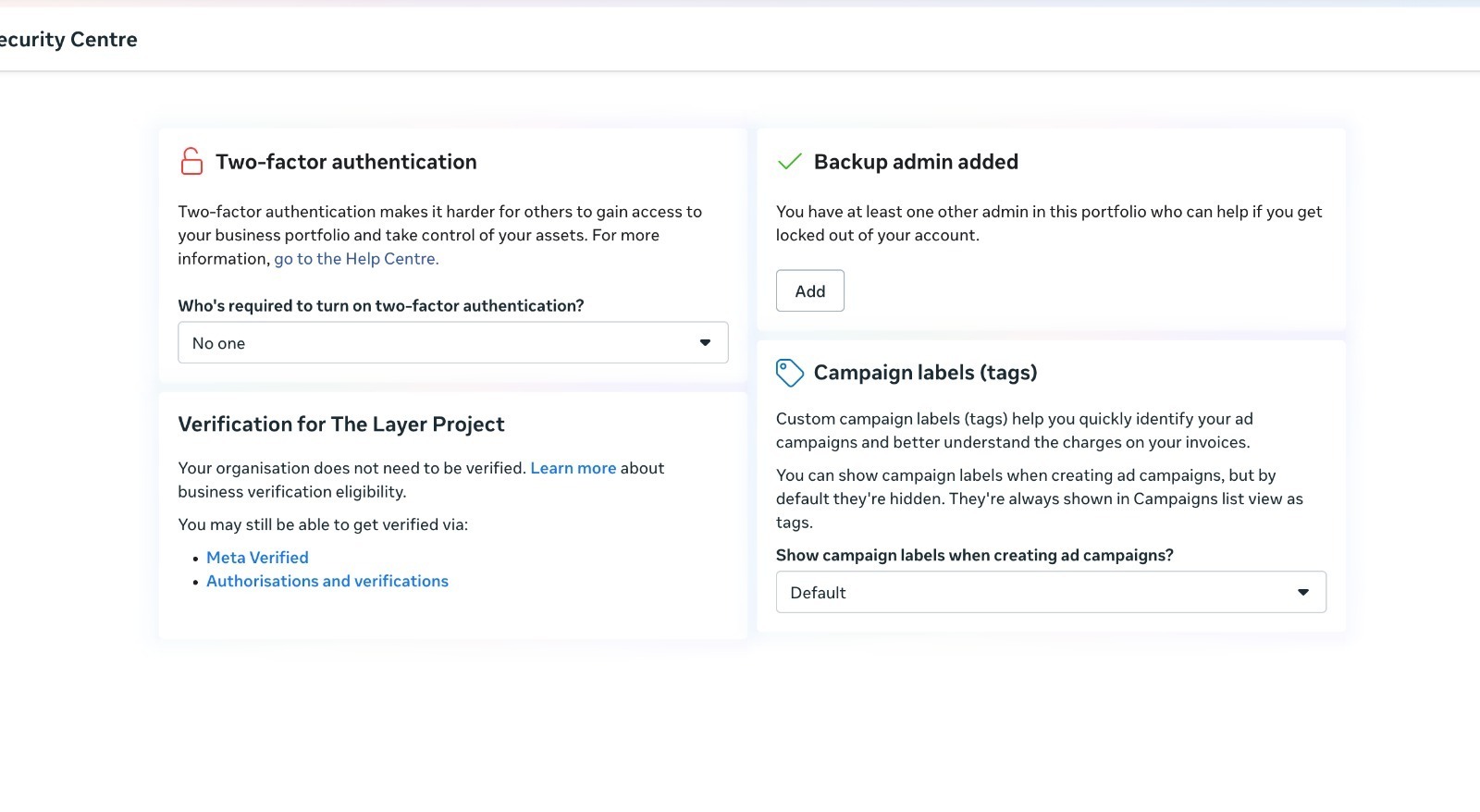
When Meta displays:
“Your business does not need to be verified at this time.”
“Ineligible for verification”
Reference Image
.jpg)
Workaround to Unlock Verification
Kindly follow the steps below to change your status to Start Verification or Eligible for Verification:
Step 1
Go to: https://business.facebook.com/settings
Step 2
Left sidebar → Accounts → WhatsApp Accounts
Step 3
Click Add → Create a New WhatsApp Business Account (WABA)
⚠️ Do NOT add a phone number.
Step 4
Refresh the page.
Step 5
Go to Security Center
You will now see Eligible for Verification.
Why this works
Creating a WhatsApp Business Account (WABA) triggers Meta to enable verification because WhatsApp Business Account (WABA) usage requires a verified business.


